vs Descript, Kapwing, VEED
- Confidential interviews and client masters stay local
- No per-minute transcription meter after purchase
- Export masters for any platform, not just in-app publishing
 InstantSubtitles
Compare
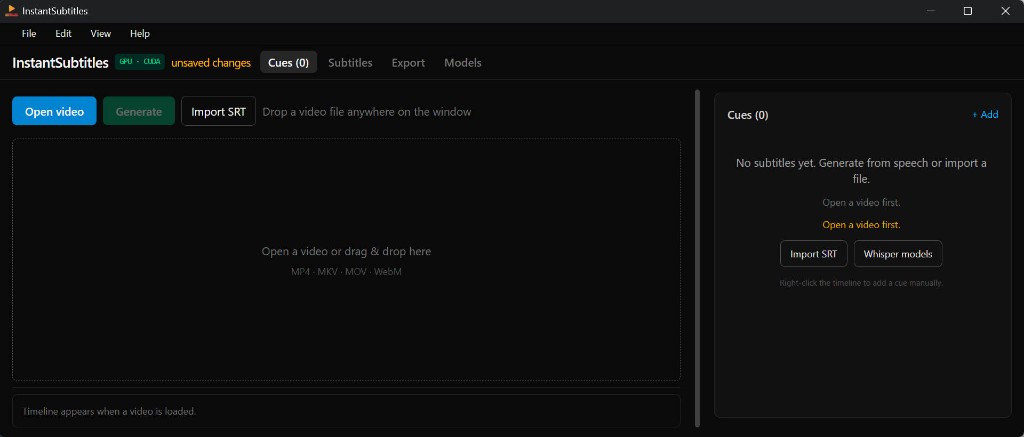
Cloud editors are convenient until you hit upload limits, client NDAs, or subscription creep. InstantSubtitles targets creators who want Whisper-class accuracy with a fixed price and files that never leave the workstation.
| Capability | InstantSubtitles | Typical cloud SaaS | Subtitle Edit + plugins |
|---|---|---|---|
| Video uploaded for AI | No — local Whisper | Usually yes | No (local) |
| One-time purchase | $12.99 USD | Monthly plans | Free (OSS) |
| GPU transcription in-app | CUDA / Vulkan install UI | Cloud GPUs | Manual setup |
| Timeline + video preview | Integrated | Varies | Strong |
| Dual-language tracks | Primary + secondary | Often paid tier | Manual workflow |
| FFmpeg burn-in / codec control | Built-in export panel | Limited presets | Via external tools |
| Modern Windows-first UX | Native dialogs & flows | Web dashboard | Classic UI |
| Works fully offline | After models installed | Requires internet | Yes |